How to read Bing's AI Topics Portfolio and turn gaps into pages
Bing Webmaster Tools added Topics Portfolio (Beta) to its AI Performance report on October 13, 2026. Where it is, what each column and range means in Bing's words, and a checklist that turns each opportunity query into a page.
Run a free check on app.ayrank.com→No sign-up. See if ChatGPT names your brand.Client result: Wearview went from $0 to $36K MRR in 8 months.
Abdelmoghit drives the content engine at AY Rank. He researches keywords, plans content clusters, and produces citation-optimized articles that rank in both Google and AI search engines.
Topics Portfolio is a beta tab in the AI Performance report of Bing Webmaster Tools. It groups the grounding queries where your site appears into topics. Below them, Top Opportunity Queries lists queries where other sites appear and yours doesn't.
Bing's Topics Portfolio shows you something the rest of the AI Performance report couldn't: queries where Bing's AI answers cite other sites and skip yours. Bing launched it on October 13, 2026, as a beta tab in Bing Webmaster Tools.
This guide sticks to Bing's announcement and uses Bing's own labels. You get where the tab is, what each column means, how to read the ranges in Top Opportunity Queries, and a checklist that turns each opportunity query into a page decision. Where Bing hasn't said something, we write "not stated by Bing". We have no signed-in screenshots of the tab, so there are none here.
What is Bing's Topics Portfolio?
A grouped view of your AI search presence. In Bing's words, it "groups the grounding queries where your site appears into broader thematic clusters". These are the same grounding queries you see in the AI Performance report. Bing says the per-topic list is "aligned with the data you already know from Citations & Pages." Topics Portfolio sorts them into topics, then shows how big and how crowded each topic is.
Two lines in the post matter for how you use it. First, "Everything in this view is personalized to your site." Second, the topics and opportunity queries "are surfaced from your own presence and activity in AI Search, not from a generic ecosystem list." So it is not a keyword tool. It only shows topics where you already have some presence.
Topics Portfolio: what Bing has said and what it hasn't
Question
What Bing says
Where is it?
Inside the AI Performance report, as "a new Topics Portfolio tab next to Citations & Pages"
Who sees it?
Only sites with enough data: "If there is sufficient data for your site"
Which date ranges?
"a one-, two- or three-month window"
Exact numbers?
No. "Treat the numbers as directional signals for planning, not as a precise ledger."
Opportunity numbers?
"shown as ranges rather than exact numbers"
Can you give feedback?
Yes. "Every topic row and every opportunity query carries a thumbs up and a thumbs down control"
How much data is "sufficient"?
Not stated by Bing
How are the range edges set?
Not stated by Bing
How is "strongest" ranked in Top Opportunity Queries?
Not stated by Bing
Is there an export or API for this tab?
Not stated by Bing
How often is it refreshed?
Not stated by Bing
Source: Bing Webmaster Blog, Introducing Topics Portfolio (Beta) in AI Performance, October 13, 2026. Read November 11, 2026. Quotes are Bing's words.
How do you find Topics Portfolio in Bing Webmaster Tools?
Five steps. The labels are the ones Bing uses in its post.
Open AI Performance. This is the report that already shows your citations and grounding queries.
Click the Topics Portfolio tab. Bing says it sits "next to Citations & Pages". The getting-started line of the same post calls it "the Topics tab". Bing's June 2026 update also added a Topics view, so check you are on the tab next to Citations & Pages.
Choose your window. Bing offers "a one-, two- or three-month window". We use one month: it shows a change sooner after you fix a page. Keep the same window for later re-checks, so you compare like with like.
Read the topic table, then scroll. Top Opportunity Queries sits below the topic table. Click any topic to open its detail page.
If the tab isn't there, Bing gives the reason: "Topics with insufficient site presence or insufficient ecosystem activity are not shown, so smaller sites may see a shorter list or may not even see this feature." Bing doesn't say where the threshold is.
How do you read a topic row?
Each row is one topic with three numbers beside it. Bing calls them "ecosystem measures". Topic Size counts citations "across all sites". Bing doesn't say whether Queries counts only queries where you appear.
The topic table, column by column
Column
Bing's definition
How to use it (our reading)
Topic
"A broad thematic cluster of related grounding queries where your site appears."
Check the label fits your content. If it doesn't, thumbs down.
Topic Size
"The approximate total citations across all sites for this topic over the selected period"
How much AI answer demand the topic has. Bing calls it "a measure of how much AI Search demand the topic represents".
Sites Cited
"The approximate number of sites appearing for queries in this topic, which indicates how crowded the topic is."
More sites means more competition for each citation.
Queries
"The approximate number of distinct grounding queries in this topic."
How many separate questions sit inside the topic.
Definitions quoted from Bing's October 13, 2026 post. The 'How to use it' column is our reading, not Bing's.
A row with a large Topic Size and few Sites Cited is the one to look at first. It has lots of citations, shared by fewer sites. That's our reading of Bing's definitions, not a rule Bing gives. Bing's own advice on where to start is narrower: "start with the topics where your citations are already concentrated, then work down the opportunity queries."
Bing's column list for the topic table doesn't include your own citations. Those are on the topic detail page.
What is inside a topic?
Click a topic and you get a detail page. Bing describes three KPI cards at the top: the Topic Size, "your own citations within the topic", and the number of queries in the topic. Below the cards are two tables:
Your Grounding Queries: "the top queries in this topic where your site already appears, aligned with the data you already know from Citations & Pages."
Opportunity Queries: "the top queries in the same topic where other sites appear and yours does not, with citation volumes shown as ranges."
Bing sums them up as "what you already own, and what is still open". Read both tables together. The first lists queries you already win. Look those up in Citations & Pages to see which of your pages Bing cites, and that page is the first candidate to own the gaps in the second.
How do you read Top Opportunity Queries and its ranges?
Top Opportunity Queries is the list under the topic table. Bing describes it as "the strongest queries across your whole portfolio where other sites appear and yours does not." The Opportunity Queries table inside each topic is the same idea for one topic.
The numbers next to each query are ranges. Bing says they are "deliberately shown as ranges". Here is what a range does and doesn't tell you.
A citation range: what it means and what it doesn't
A range does tell you
A range does not tell you (not stated by Bing)
Roughly how many citations the query gets, as a band, not a count
How many people searched for it
That other sites are cited for this query and yours isn't
How many clicks or visits it would bring you
That the query comes from "real grounding activity happening on Bing"
Which other sites are cited
A planning signal: Bing says "directional signals for planning"
Whether a query will still be listed next month
Left column from Bing's October 13, 2026 post. Right column: things the post does not say, so do not read them into the number.
Three warnings from Bing's limitations section before you act on the list:
Topics can be misfiled. "Topic classification is AI-generated and can occasionally be imperfect, so a query may land in a topic you would have labelled differently."
Competitor brands show up. "Branded queries can appear as opportunity queries." Bing's example is a running shoe site seeing a competitor's brand as an opportunity. Skip those unless you would write a comparison page.
Everything is approximate. "Topic Size, Sites Cited and Queries are approximate" and the opportunity numbers are ranges.
Tip: Use the thumbs. Bing says these signals "go straight to the team working on the classification and the opportunity selection". A thumbs down on a competitor's brand query costs you a second.
How do you turn an opportunity query into a page?
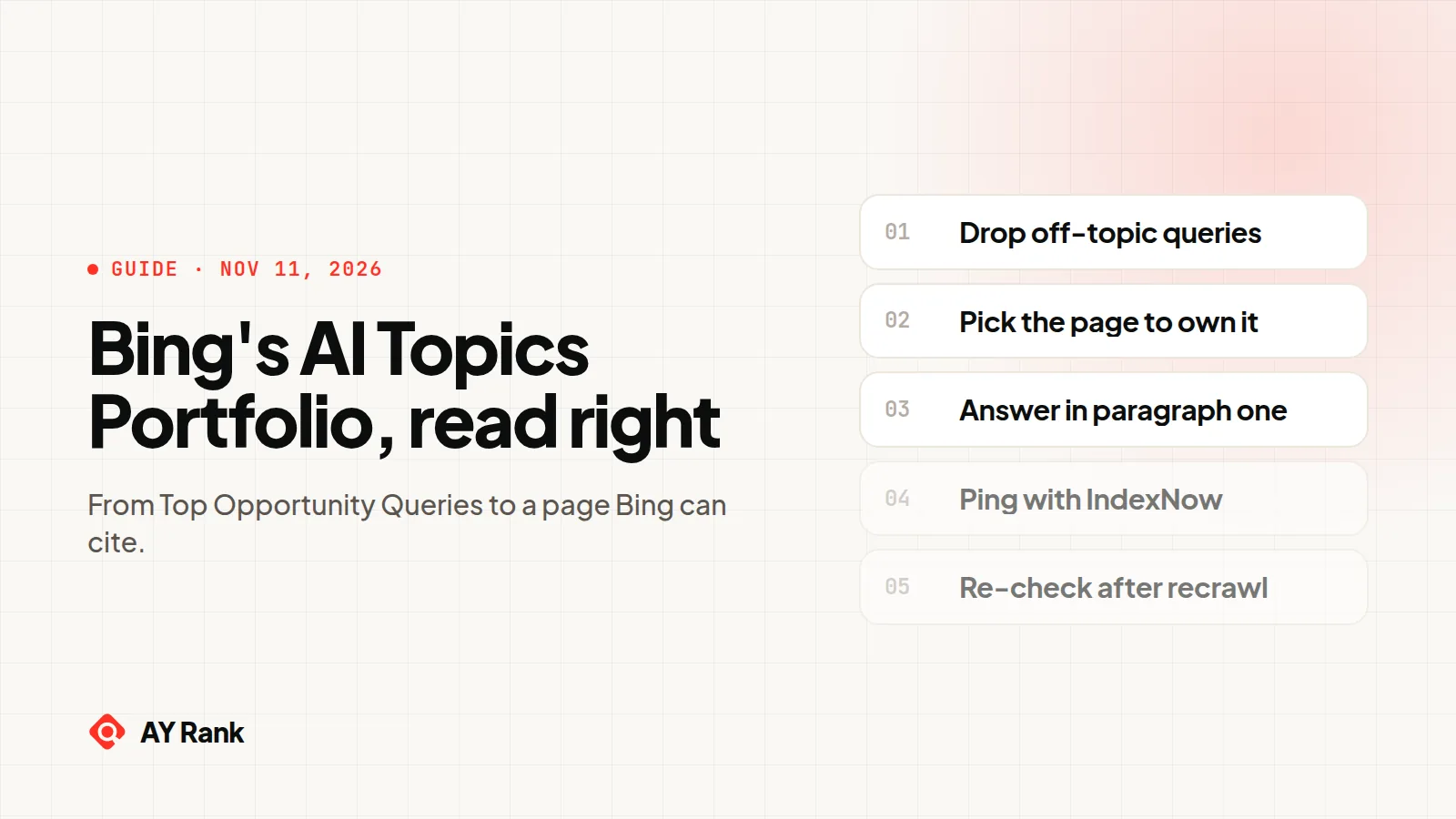
Work down the list one query at a time. For each query, run this checklist. Step 1 follows Bing's Topics Portfolio post. Steps 4 and 8 quote Bing's October 30 preferences post. The rest is our process.
1. Drop queries that aren't yours to win
Is it a competitor's brand name? Is it in a topic that doesn't match your business? Thumbs down and move on. Bing warns about both.
2. Check the intent
Read the query and write the one-sentence answer someone asking it wants. A definition? Steps? A price? A comparison? If you can't write that sentence from what your business knows, it isn't your query.
3. Find the page that should own it
Open the topic's Your Grounding Queries table and look up those queries in Citations & Pages. If one page is cited for several of them, that page is usually the one to extend. If no page fits, plan a new one. Group opportunity queries that share one answer into one page, rather than one page per query.
4. Check the page can be used for grounding
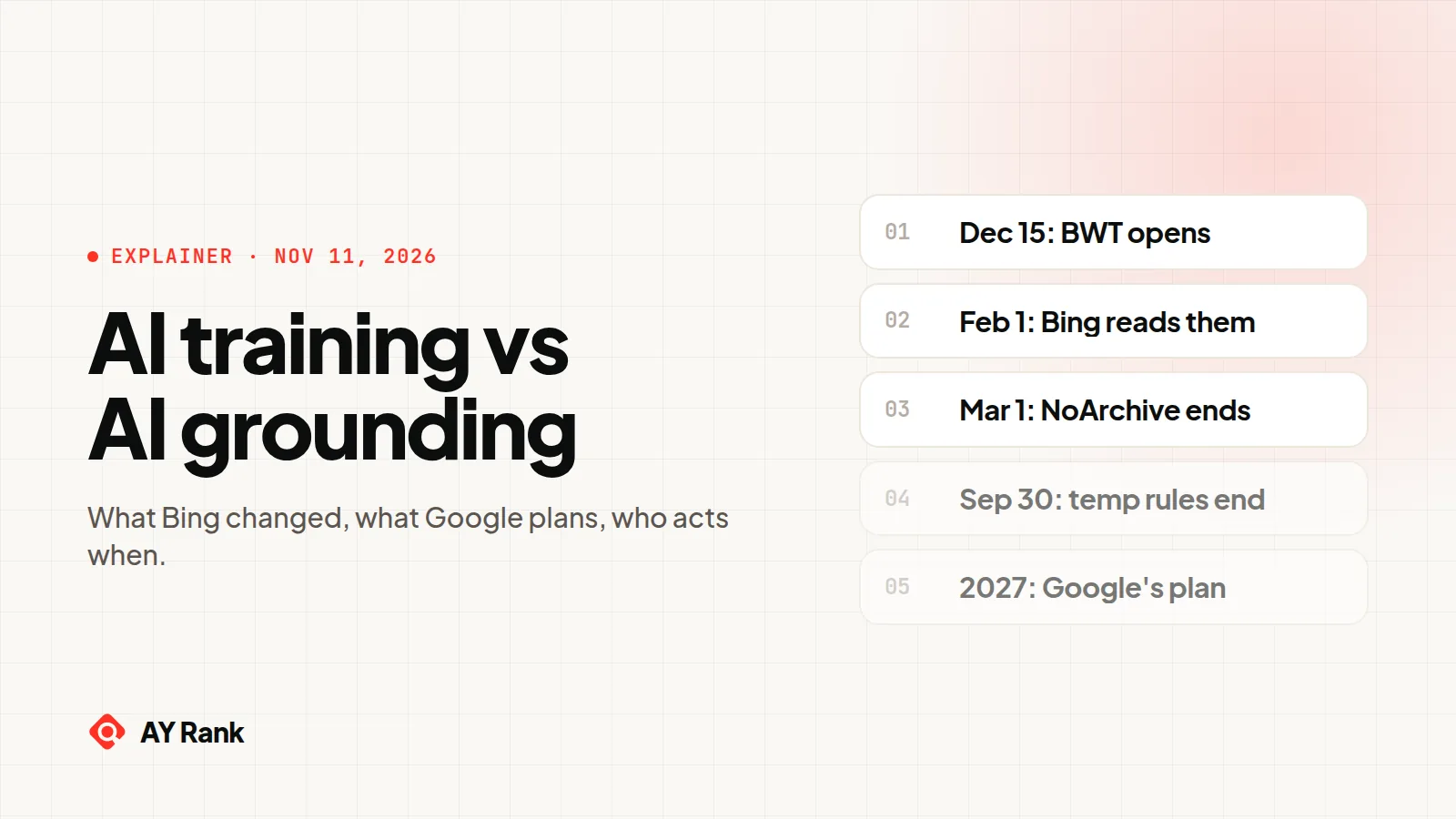
A page you opted out of grounding can't fill the gap. Bing's settings for this are changing. Today, Bing's older controls are the NoArchive and NoCache tags. Bing's October 30, 2026 post says "Starting February 1, 2027, Microsoft will honor the new preferences as it crawls", and that a grounding Disallow "will significantly reduce your content's visibility in AI-generated experiences". So today, check the page has no NoArchive or NoCache tag. From February 1, 2027, also check it has no ai-grounding:disallow. Our guide to AI training vs AI grounding explains both settings, and the free AI training and grounding checker shows the training and grounding setting one page resolves to.
5. Put the answer in the first paragraph
Answer the query in the first one or two sentences of the page or section, in plain words. Use the query's wording in a heading where it reads naturally.
6. Add sourced facts
Numbers, dates and quotes, each with its source and the date you read it. Cite the primary source (the vendor's docs, the regulator, the study), not a recap of it.
7. Add internal links
Link to the page from the pages Citations & Pages shows as cited for this topic's grounding queries, and from your hub page for the topic. Link out from it to the pages that cover the next question a reader would ask.
8. Ping Bing with IndexNow
Bing has to recrawl the page before it can use the new version. Submit the URL through IndexNow. Bing is clear about what that does and doesn't do: "IndexNow can signal that a page has changed and increase the chance of a recrawl, but it does not guarantee a recrawl date." That line is from Bing's October 30 post on AI preferences.
9. Re-check in Bing Webmaster Tools after the recrawl
Go back to the same topic with the same window length. Does the query now appear in Your Grounding Queries? Both tables show only the top queries, so a query leaving Opportunity Queries doesn't prove you won it. Confirm in Citations & Pages that the query now lists your page. How long that takes is not stated by Bing.
Our rule of thumb: fix the queries in topics where you are already cited before you build pages for new topics. That matches Bing's own "start with the topics where your citations are already concentrated".
If you want help turning the list into a content plan, our content SEO service writes and updates pages for AI citation, and our GEO optimization service works on getting those pages cited in AI answers.
Bing shows your gaps in its AI answers. What about other assistants?
Enter your domain in the free check. We write 3 buyer questions from your site and see if an AI assistant names you. No sign-up. Want a person to go through your Topics Portfolio with you? Book a call.
How does Topics Portfolio fit with the rest of the AI Performance report?
Citations & Pages shows where you are cited, query by query and page by page. Topics Portfolio adds the view across themes. Bing says it shows "how that presence is distributed across themes, how much demand each theme represents, how competitive each theme is and where your site has room to grow."
Topics Portfolio is a beta tab in the AI Performance report of Bing Webmaster Tools, announced on October 13, 2026. It groups the grounding queries where your site appears into topics and shows each topic's size, how many sites are cited and how many queries it holds.
Why don't I see the Topics Portfolio tab?
Bing shows it only "If there is sufficient data for your site". Bing also says smaller sites "may see a shorter list or may not even see this feature." The data threshold is not stated by Bing.
What are Top Opportunity Queries?
They are "the strongest queries across your whole portfolio where other sites appear and yours does not." The list sits below the topic table. Each topic's detail page has its own Opportunity Queries table for that topic only.
Why are citation volumes shown as ranges?
Bing shows opportunity citation volumes as ranges on purpose and says to "Treat the numbers as directional signals for planning, not as a precise ledger." Bing doesn't explain how the range edges are set. Our advice: use them to compare queries roughly, not as counts.
Is Topic Size the same as search volume?
No. Bing defines Topic Size as "The approximate total citations across all sites for this topic over the selected period". It counts citations in AI answers, not searches or clicks.
Can I export Topics Portfolio data?
Not stated by Bing. The October 13, 2026 post doesn't mention an export button or API access for this tab.
How do I act on an opportunity query?
Check the query is relevant and not a competitor's brand, pick or plan the page that should own it, answer it in the first paragraph with sourced facts, link to it from related pages, submit it with IndexNow, and re-check the topic after Bing recrawls. Bing says IndexNow can "increase the chance of a recrawl" but does not guarantee a date.