Microsoft Copilot is not one product, it is at least two, and they retrieve information differently. Consumer Copilot (copilot.microsoft.com, bing.com/copilot, Copilot in Edge and Windows) is grounded in Bing's search index, the same index that powers Bing search results and AI-generated summaries. Microsoft 365 Copilot, the version your enterprise customers use inside Word, Excel, Teams and Outlook, is grounded primarily in a tenant's own data through Microsoft Graph and Work IQ, with web data as a secondary layer (Source: Microsoft Learn, "Microsoft Copilot overview"). If you optimize your public website, you are optimizing for the first one. Nothing you publish externally changes how M365 Copilot answers a question inside someone else's tenant, unless that answer explicitly pulls in a web-grounded agent.
This guide covers what actually moves the needle for consumer-facing Copilot surfaces: how Bing indexing, IndexNow, schema markup and content structure feed into what Copilot cites, plus where the enterprise surface genuinely works differently and why most SEO advice does not apply to it.
What is Microsoft Copilot, and which version are you actually optimizing for?
Microsoft ships Copilot under one brand name across products that pull from different data. Getting this wrong means optimizing for a surface you cannot actually influence.
| Surface | Where it lives | What it's grounded in | Can your public content reach it? |
|---|---|---|---|
| Consumer Copilot | copilot.microsoft.com, bing.com/copilot, Copilot in Edge, Copilot in Windows | Bing's search index | Yes, this is standard SEO/GEO territory |
| Copilot Chat (Basic) | m365copilot.com, bing.com/chat, bing.com/copilotsearch, Copilot in Edge, Outlook, Teams | Web data by default; tenant data only if a user pastes or uploads it | Yes, same as consumer Copilot |
| Microsoft 365 Copilot (Basic/Premium) | Word, Excel, PowerPoint, OneNote, Teams, Outlook | Microsoft Graph and Work IQ (a tenant's own files, email, chats), with web-grounded agents as an add-on | No, not directly. Only through pay-as-you-go agents grounded in public web data |
(Source: Microsoft Learn, "Microsoft Copilot overview")
The practical read: if your goal is "get my brand mentioned when someone asks Copilot a question," you are targeting consumer Copilot and Copilot Chat (Basic), both of which run on Bing's index. Everything below is written for that surface. Where Microsoft 365 Copilot behaves differently, it is called out explicitly.
How does Copilot decide what to cite?
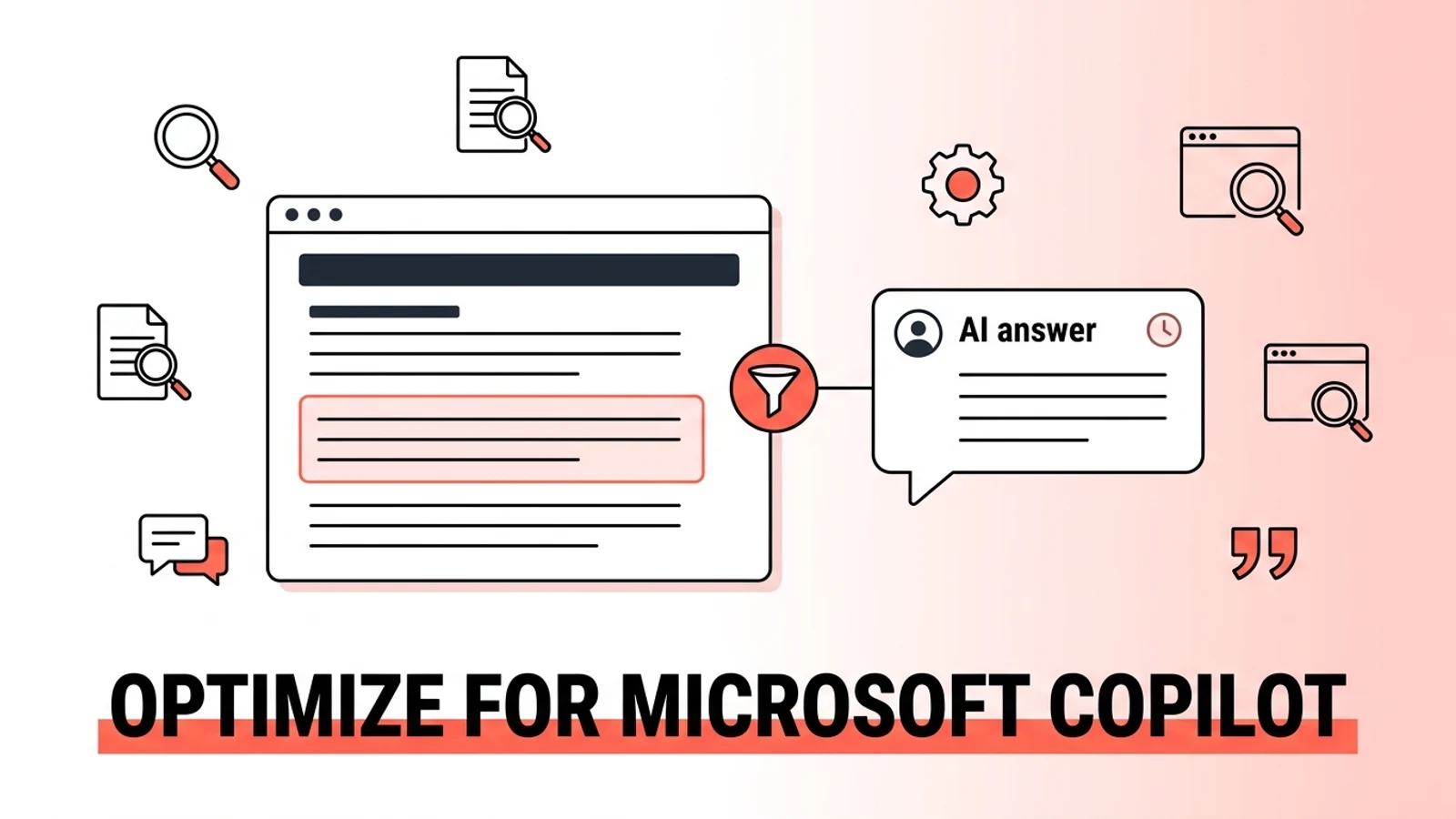
Copilot does not rank whole pages the way classic Bing search results do. According to Microsoft Advertising's own guidance for publishers, "Assistants like Copilot break content down, a process called parsing, into smaller, structured pieces that can be evaluated for authority and relevance. Those pieces are then assembled into answers, often drawing from multiple sources to create a single, coherent response" (Source: Microsoft Advertising, "Optimizing Your Content for Inclusion in AI Search Answers," October 8, 2025).
Two things follow from that. First, your page has to be indexed by Bing before Copilot can use it at all. Second, indexing is not enough. Copilot has to be able to isolate a clean, self-contained chunk of your content (a heading plus the paragraph under it, a table row, an FAQ answer) that answers a specific question well enough to lift on its own.
Step 1: audit your current Copilot visibility
Before changing anything, find out where you stand.
- Open copilot.microsoft.com and Copilot in Edge and run 10-15 real questions your buyers would ask, the same way you would test ChatGPT or Perplexity.
- Note whether Copilot names your brand, whether it links to your site, and which competitors it surfaces instead.
- If you have access to Bing Webmaster Tools, check the AI Performance dashboard, which launched in public preview on February 10, 2026. It reports Total Citations, Average Cited Pages, Grounding queries (the actual phrases Copilot used when retrieving your content), and page-level citation counts over time (Source: Bing Webmaster Blog, "Introducing AI Performance in Bing Webmaster Tools Public Preview," February 10, 2026).
This is the only tool on this list built specifically to show Copilot citation activity for your own domain, rather than inferring it from manual queries. If your site is verified in Bing Webmaster Tools, check it before running anything else.
Step 2: get indexed by Bing, because Copilot cannot cite what it cannot crawl
Consumer Copilot and Copilot Chat run on Bing's index. If Bing does not have your page, Copilot does not either. This step has nothing to do with AI and everything to do with basic indexing hygiene most sites still get wrong.
- Verify your site in Bing Webmaster Tools and submit a current sitemap.
- Allow bingbot in robots.txt. Some security plugins and CDNs block it by default; check for a
Disallowrule underUser-agent: bingbotand remove it from any page you want cited. - Use IndexNow. IndexNow is a protocol, backed by Microsoft Bing along with Naver, Seznam.cz, Yandex and Yep, that lets you ping search engines the moment a page is added, updated or deleted, instead of waiting for the next crawl (Source: IndexNow.org). Bing's own webmaster blog frames this directly as an AI-visibility issue: "Accurate and up to date content is important for inclusion and citation in AI-generated answers. IndexNow helps keep information fresh across search and AI experiences" (Source: Bing Webmaster Blog, February 10, 2026).
- Register local business details with Bing Places for Business if location-based queries matter to you. Microsoft specifically calls this out for AI-generated answers to local questions (Source: Bing Webmaster Blog, February 10, 2026).
Nothing else in this guide works if bingbot cannot reach your pages. Confirm crawl access and IndexNow before touching content structure or schema.
Step 3: structure content the way Copilot actually parses it
Microsoft published a detailed content-structure guide for its own advertisers in October 2025, and it reads less like marketing copy and more like an engineering spec for what its parser can and cannot handle cleanly. The core points, straight from that guidance:
- Align title, H1 and description. They should describe the same thing in slightly different words, not compete for different keywords.
- Use direct Q&A pairs. Microsoft's own example: "Q: How loud is the dishwasher? A: It operates at 42 dB, which is quieter than most dishwashers on the market." Copilot can lift that pair "word for word."
- Use lists and tables over dense paragraphs for comparisons, steps and feature breakdowns.
- Avoid hiding key information in tabs or expandable menus. Copilot may not render it.
- Avoid relying on PDFs for core information. Text-based PDFs can be indexed, but they lack the heading and metadata structure HTML gives Copilot to parse cleanly.
- Don't put critical facts only inside images. Provide the same information in HTML or in alt text.
- Keep punctuation simple. Microsoft's own guidance specifically calls out heavy em dash use as something that "can confuse sentence structure for machines," recommending a period or semicolon instead.
(Source: Microsoft Advertising, "Optimizing Your Content for Inclusion in AI Search Answers," October 8, 2025)
None of this is exotic. It is the same answer-first, one-idea-per-paragraph discipline that works for ChatGPT and Perplexity. What's notable is that it is coming directly from the platform, not inferred from third-party testing.
Step 4: which schema markup actually matters to Bing and Copilot
Schema is JSON-LD code that tells search engines and AI systems what a piece of content is: a product, a review, an FAQ, an event (Source: Microsoft Advertising, October 8, 2025). For most sites, three types cover the bulk of what's worth doing:
- Organization schema, with your name, logo and
sameAslinks to your other verified profiles. - Article schema on blog and resource content, with author,
datePublishedanddateModifiedset accurately. - FAQPage schema on any page structured as direct question-and-answer pairs.
For retail and e-commerce catalogs specifically, Microsoft's own AEO/GEO guide for advertisers names a longer, checkable list: Product, Offer, AggregateRating, Review, ItemList and FAQ schema, plus keeping your crawled data, product feed and live site price and availability in sync. If that applies to you, our breakdown of Microsoft's AEO/GEO guide covers the schema checklist and the sync requirement in more depth.
One additional control worth knowing: Bing added support for the data-nosnippet HTML attribute in October 2025, which lets you mark paywalled, promotional or experimental sections so they're excluded from Bing snippets and AI answers without affecting the rest of the page's visibility (Source: Bing Webmaster Blog, "Bing Introduces Support for the data-nosnippet HTML Attribute," October 15, 2025). Useful if you want a pricing table indexed but a "limited time offer" banner left out of what Copilot quotes.
Consumer Copilot vs Microsoft 365 Copilot: why one tactic list doesn't cover both
This is the split most GEO advice skips entirely, and it matters if your buyers are enterprise teams using M365 Copilot day to day.
Everything above, Bing indexing, IndexNow, schema, content structure, applies to consumer Copilot and to Copilot Chat (Basic), because both are grounded in web data by default (Source: Microsoft Learn). Microsoft 365 Copilot with the full add-on license works differently: inside Word, Excel, Teams and Outlook, it answers primarily from a tenant's own Microsoft Graph and Work IQ data, meaning a user's own files, emails and chat history, not the open web (Source: Microsoft Learn, "Microsoft Copilot overview"). Your public content has no direct path into that answer.
There are two honest ways your content still reaches M365 Copilot users. First, a user can explicitly paste your content, upload a document, or reference an open webpage in Edge, at which point Copilot Chat uses it in context. Second, tenants can enable pay-as-you-go agents that are grounded in public web data alongside the tenant's own data, which is where your standard SEO and GEO work pays off even for an M365-heavy audience. Neither path is something you can optimize for directly the way you can optimize for Bing indexing. Treat M365 Copilot as a reason to keep your public content clean and citable, not as a separate channel with its own playbook.
How do you measure Copilot optimization results?
- Bing Webmaster Tools, AI Performance dashboard. This is the direct source: total citations, cited pages, and the grounding queries that triggered them, filterable by date range (Source: Bing Webmaster Blog, February 10, 2026).
- GA4 referral traffic. Check Acquisition > Traffic Acquisition for sessions referred from
copilot.microsoft.comandbing.com. Copilot referral tracking is newer and less standardized than Perplexity's, so treat it as directional rather than complete. - Manual query tracking. Run the same 10-15 query set from your Step 1 audit monthly and log whether citations, mentions and competitor placements shift.
Expect the AI Performance dashboard, still in public preview as of this writing, to be the most reliable signal as Microsoft expands it. Manual query testing remains the fastest way to catch changes it hasn't surfaced yet.
How is optimizing for Copilot different from ChatGPT and Perplexity?
| Dimension | Microsoft Copilot (consumer) | ChatGPT | Perplexity |
|---|---|---|---|
| Grounding source | Bing's search index | Training data plus optional Bing-powered browsing | Real-time web crawl, own retrieval system |
| Publisher-facing citation tracking | Yes, Bing Webmaster Tools AI Performance (public preview, Feb 2026) | No first-party dashboard | No first-party dashboard |
| Fastest content-freshness signal | IndexNow ping to Bing | Weekly web refresh for browsing mode | Daily index updates |
| Enterprise variant with separate grounding | Yes, Microsoft 365 Copilot (tenant data via Microsoft Graph) | No equivalent | No equivalent |
| Explicit publisher content guidance from the platform | Yes, Microsoft Advertising's own structure guide | Not published directly by OpenAI | Not published directly by Perplexity |
The one real advantage of optimizing for Copilot: Microsoft is the only one of the three major AI answer platforms that publishes its own detailed content-structure guidance and now gives publishers a first-party dashboard for citation activity. You are not guessing from third-party testing the way you often have to for ChatGPT and Perplexity. We've written the same kind of platform-specific breakdown for ranking in ChatGPT, optimizing for Perplexity and getting cited by Claude, since each platform genuinely rewards different signals.
Frequently asked questions about optimizing for Microsoft Copilot
Is optimizing for Microsoft Copilot the same as optimizing for Bing?
Largely yes, for consumer Copilot and Copilot Chat (Basic). Both are grounded in Bing's search index, so standard Bing indexing work (Bing Webmaster Tools verification, sitemap submission, allowing bingbot, IndexNow) is the prerequisite for Copilot citations. Microsoft 365 Copilot with the full license is the exception, since it answers primarily from a tenant's own Microsoft Graph data rather than the open web.
Does Microsoft 365 Copilot use my website's content?
Only indirectly. Microsoft 365 Copilot's primary grounding is a tenant's own files, email and chat history through Microsoft Graph and Work IQ, not the open web, according to Microsoft's own documentation. Your public content can reach an M365 Copilot user if they explicitly paste it, upload it, or if their organization has enabled a pay-as-you-go agent grounded in web data.
How do I check if my site is blocking Copilot?
Check your robots.txt file for a Disallow rule under User-agent: bingbot. If bingbot is blocked, Bing cannot crawl your content, and neither consumer Copilot nor Copilot Chat can cite it, since both are grounded in Bing's index.
What is IndexNow and does it help with Copilot?
IndexNow is a protocol supported by Bing, Naver, Seznam.cz, Yandex and Yep that lets you notify search engines instantly when a page is added, updated or removed, rather than waiting for the next scheduled crawl. Bing's webmaster team specifically recommends it for keeping content current in AI-generated answers, since Copilot is more likely to cite the latest version of a page if Bing's index reflects it quickly.
Can I track how often Copilot cites my site?
Yes, through the AI Performance dashboard in Bing Webmaster Tools, which launched in public preview on February 10, 2026. It reports total citations, average cited pages per day, the grounding queries that triggered citations, and page-level citation counts over a selected date range.
What schema markup should I add for Copilot?
Organization, Article and FAQPage schema cover most content sites. E-commerce and retail catalogs should also implement Product, Offer, AggregateRating, Review and ItemList schema, and keep crawled data, product feeds and live site data in sync, per Microsoft's own AEO/GEO guidance for retailers.
Does content freshness matter for Copilot citations?
Yes. Bing's webmaster team ties content freshness directly to IndexNow adoption, stating that keeping search engines updated on content changes "helps ensure that AI systems reference the most current version of a page when generating answers." Combine IndexNow with an accurate, regularly updated dateModified in your Article schema.
Sources: Microsoft Learn, "Microsoft Copilot overview", Bing Webmaster Blog, "Introducing AI Performance in Bing Webmaster Tools Public Preview" (February 10, 2026), Bing Webmaster Blog, "Bing Introduces Support for the data-nosnippet HTML Attribute" (October 15, 2025), Microsoft Advertising, "Optimizing Your Content for Inclusion in AI Search Answers" (October 8, 2025), IndexNow.org, TechCrunch, "AI referrals to top websites were up 357% year-over-year in June, reaching 1.13B" (July 25, 2025)
This post is part of our GEO Optimization guide. Related reading: AI Citation Overlap Across Engines, Multilingual GEO, AI SEO Checklist for 2026.

Adel tracks AI citation rates across ChatGPT, Perplexity, Gemini, and AI Overviews. He turns raw visibility data into actionable insights that guide our optimization strategy.
Full Bio →