Brands are blocking AI agents: what United's move means for agent visibility
On November 11, 2026, United said it will restrict unauthorized third-party AI agents across its platforms and through agencies. Here is exactly what United said, what it left out, and why agents acting in an account are a different problem from the crawlers that put you in AI answers.
Run a free check on app.ayrank.com→No sign-up. See if ChatGPT names your brand.Client result: Wearview went from $0 to $36K MRR in 8 months.
Abdelmoghit drives the content engine at AY Rank. He researches keywords, plans content clusters, and produces citation-optimized articles that rank in both Google and AI search engines.
United is restricting unauthorized third-party AI agents, on its own platforms and through travel agencies and aggregators. It named no agents, no method and no date. Those agents are different traffic from the crawlers that let AI answers read and cite you, but a blanket bot rule can cut off both.
On November 11, 2026, United Airlines published a short announcement titled United Restricts Access for Third-Party AI Agents. It is seven paragraphs long. It opens by pointing customers to its own app, which United says it built "to securely empower customers to manage their own travel experience."
It matters beyond airlines. "AI agent" now covers three kinds of traffic. Copy United's move without separating them and you can block the crawlers that put you in AI answers while missing the traffic you were worried about.
Blocking agents is not the same as blocking crawlers. United's reasons are about credentials, purchases, miles and check-in. The bots that read your pages so ChatGPT, Claude or Perplexity can cite you are controlled separately, mostly in robots.txt.
What did United say?
United's scope is broad. It says it is "taking steps to restrict access" both "directly within our digital platforms and indirectly via travel agencies and aggregators." The target is "unauthorized, third-party personal AI agents or assistants."
The reasons are specific, and they are all about accounts. United says "sharing account credentials with personal, third-party, AI assistants can expose sensitive information, and actions taken by these tools may result in unintended purchases, account changes, or use of MileagePlus miles."
United adds a regulatory reason: "these automated AI actions have the potential to violate FAA and DOT regulations." Its example is check-in, which "requires human acknowledgment that bags do not contain banned substances like explosives."
On what changes, United says: "This work includes updates to our booking, ticketing and distribution policies." It also says it will update its Digital Trust Center "so customers can better understand what these new restrictions mean for them, how to protect their accounts, and where to get help if an agent takes an unintended action."
One line is aimed at other brands: "Corporate leaders in the banking and retail industries have taken similar actions regarding AI agents and we encourage others to consider measures that preserve the data and security of their customers and strengthen safety." United names no bank and no retailer, so I won't either.
What United's page does not say
It names no agent or product. It gives no user agent string, no technical method and no effective date. It doesn't define "unauthorized", so we don't know which agents, if any, count as authorized.
I also fetched united.com/robots.txt on November 12, 2026. It has two groups: User-agent: * and User-agent: HuaweiSymantecSpider. No group names an AI crawler or agent. I don't know what the file said before, and United's page doesn't mention robots.txt.
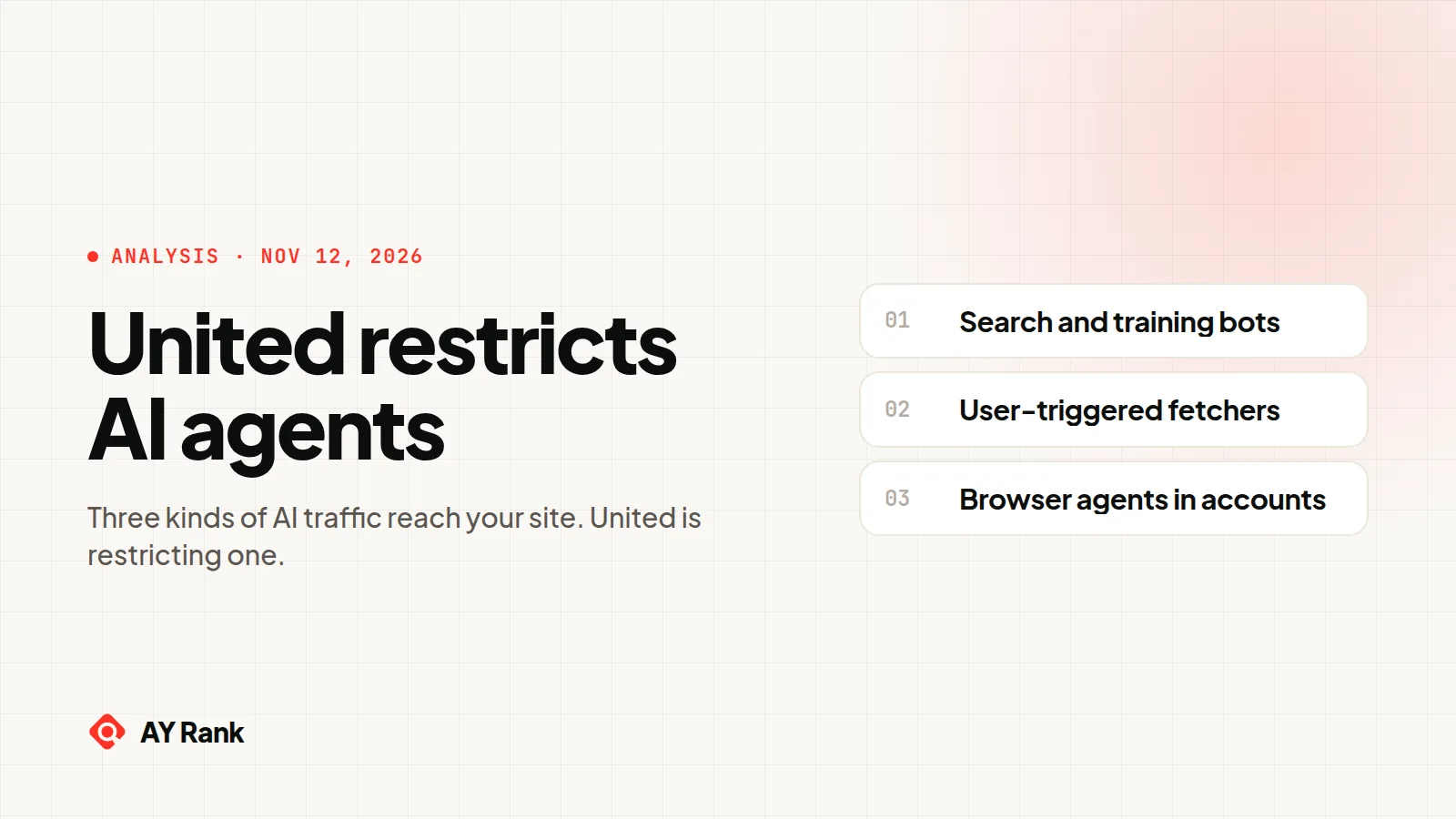
Three kinds of AI traffic reach your site
None of the news results I saw on November 12, 2026 split these apart. "AI agents" can mean three things, and each one is identified and controlled differently.
1. Search and training crawlers. GPTBot, OAI-SearchBot, ClaudeBot, Claude-SearchBot and PerplexityBot read public pages for search indexes or training sets. Each vendor publishes the user agent token and a list of IP ranges, and each says robots.txt controls them. OpenAI keeps them separate on purpose: "a webmaster can allow OAI-SearchBot in order to appear in search results while disallowing GPTBot."
2. Fetchers triggered by one user's question. Someone asks an assistant about your product, and it fetches your page to answer. ChatGPT-User, Claude-User and Perplexity-User work this way. Google's user-triggered fetchers, such as Gemini Notebook and Read Aloud, also fetch when a user asks. robots.txt is where the vendors disagree. OpenAI says of ChatGPT-User: "Because these actions are initiated by a user, robots.txt rules may not apply." Perplexity says Perplexity-User "generally ignores robots.txt rules." Google says its user-triggered fetchers "generally ignore robots.txt rules." Anthropic goes the other way: "Disabling Claude-User on your site prevents our system from retrieving your content in response to a user query."
3. Browser agents that act for a person. This is closest to what United describes: software that completes tasks on a site for someone, sometimes inside that person's account. Some vendors now say how the browsers they host identify themselves:
Anthropic says requests from browsers it hosts carry "the token Claude-Agent" and come from IP addresses published at claude.com/.well-known/sail. It adds: "Anyone can send the same User-Agent header, so be sure to check that the traffic originated from one of the listed IPs."
Google says "Google-Agent is used by agents hosted on Google infrastructure to navigate the web and perform actions upon user request," with IP ranges in user-triggered-agents.json. Google lists Google-Agent among its user-triggered fetchers, so the "generally ignore robots.txt rules" line covers it too. Google is also testing signed requests through Web Bot Auth, but says "We don't sign every request of a particular agent."
OpenAI says ChatGPT Work's Cloud browser "uses Web Bot Auth to sign outbound HTTP requests," with a Signature-Agent header set to https://chatgpt.com.
AI traffic that reaches your site, and how each kind identifies itself
Claude-Agent token and IP list; Google-Agent token, IP list and some signed requests; OpenAI signed requests
Your CDN, firewall or bot rules, plus your terms
Agents in the person's own browser
No vendor doc I read covers this case
Nothing reliable that I could verify
Your account rules and terms
Sources: OpenAI, Overview of OpenAI Crawlers and ChatGPT Work's Cloud browser allowlisting; Anthropic, its crawler article and its hosted-browser article; Perplexity, Perplexity Crawlers; Google, User-triggered fetchers and Web Bot Auth. All read November 12, 2026.
Why the third kind is different
A crawler or fetcher arrives with a name tag. A hosted browser agent can carry one too: a token, a published IP list, sometimes a signature. If a customer gives that agent their password, it signs in from the vendor's servers with a valid login, and the name tag is what tells it apart from the customer. An agent inside the person's own browser is harder. The request leaves their device, from their IP address, with their cookies and their browser's normal user agent. Unless the software adds a marker, your server sees the customer's own session. None of the vendor pages I read on November 12, 2026 describe a marker for that setup.
My read is that this is why United's page talks about credentials and policies, not user agents. Once a customer hands an assistant their password, the line between customer and agent lives in the account.
What this means for your AI visibility
For most brands, kinds one and two decide whether you get named in AI answers. Block OAI-SearchBot and OpenAI says your site "will not be shown in ChatGPT search answers, though can still appear as navigational links." Block a user-triggered fetcher (where the vendor honors it) and the assistant can't read your page when a buyer asks about you.
Kind three is a business decision, not a visibility one. An airline wants a human at check-in. A software company may want agents to book demos. The move I'd avoid is turning United's headline into one blanket setting that blocks all AI bots. It cuts off the crawlers and fetchers that put you in AI answers, and it still misses an agent in a customer's own browser. We saw the same trap with Cloudflare's September 15 AI crawler change. For crawler rules, our robots.txt for AI crawlers guide goes token by token.
How can you see which AI agents reach your site?
Two free tools cover parts of the first two kinds.
The AI crawler log checker reads access log lines you paste or open. It looks for 17 crawler and fetcher tokens, including GPTBot, ChatGPT-User, ClaudeBot, Claude-User, PerplexityBot and Googlebot. Then it matches each hit's address against the IP ranges the vendor publishes. Each hit gets a verdict: verified, likely spoofed or unverifiable (for example when the vendor publishes no list). It reads the log in your browser and uploads nothing. It doesn't look for the Claude-Agent or Google-Agent tokens. It also can't check request signatures, because standard access log formats don't record the Signature headers. For hosted agents, search your logs for Claude-Agent and Google-Agent yourself and check the addresses against claude.com/.well-known/sail and Google's user-triggered-agents.json.
The AI training and grounding checker takes one page URL. It reads the site's robots.txt, the page's meta tags and its X-Robots-Tag header. It shows what Bing AI Training, Bing AI Grounding and Google-Extended resolve to for that page, and whether Bingbot and Googlebot may crawl it. It covers Bing's and Google's controls only.
Neither tool can see an agent working inside a customer's normal browser session. Its log line looks like the customer, with no crawler token to match and no vendor IP list to check. And robots.txt and meta tags speak to crawlers and fetchers, not to a person's browser. Evidence of that traffic lives in account behavior, not crawler logs.
What to do if you're deciding to allow, limit or block
Decide per use case, not per vendor. Reading your pages to answer a question is one thing. Buying or changing things inside an account is another.
Write the policy where it applies. Account actions belong in your terms of use, crawler choices in robots.txt. robots.txt won't govern an agent in a signed-in session.
Keep crawlers and user-triggered fetchers in separate rules. GPTBot (training), OAI-SearchBot (search) and ChatGPT-User (answers on demand) are three separate choices.
Verify before you allow. Google's fetcher page says it plainly: "The user agent string can be spoofed." Check IP ranges, and signatures where offered, before you exempt anything.
Decide what a signed-in agent may do. Reading an itinerary is low risk. Spending miles is not. United's check-in example is one model: a step that needs a human's acknowledgment. No source I read says such a step stops every agent, so test it.
Watch your logs. After any CDN or firewall change, check which crawlers and fetchers still get through.
Test the journey an agent would take. Ask an assistant to find your pricing or start a booking. Check it stops where you meant it to.
Deciding which AI traffic to let in?
We can go through your robots.txt, bot rules and logs with you and map what each change does to your AI visibility: book a call. While you are at it, the free check reads your site, writes 3 buyer questions from it, asks an AI assistant each one and shows whether you are named. No sign-up.
United didn't say. It names no agent, product or user agent string, and gives no method or effective date. The target is "unauthorized, third-party personal AI agents or assistants."
Does blocking AI agents remove my site from ChatGPT answers?
Not by itself. Agents acting in an account are separate from the crawlers behind AI search. OpenAI says sites that opt out of OAI-SearchBot "will not be shown in ChatGPT search answers, though can still appear as navigational links," and that its GPTBot and OAI-SearchBot settings are independent. What removes you is blocking those crawlers, for example in a blanket bot rule.
Does robots.txt stop AI agents?
It controls search and training crawlers. For user-triggered fetchers it depends on the vendor: OpenAI says robots.txt "may not apply" to ChatGPT-User, Perplexity and Google say their user-triggered fetchers "generally ignore" it, and Anthropic says disabling Claude-User stops those fetches. For agents acting in a signed-in browser session, robots.txt isn't the control.
Which banks and retailers block AI agents?
United says "Corporate leaders in the banking and retail industries have taken similar actions regarding AI agents" but names none. Without a primary source, I'm not naming any.
How do I know if an AI agent visited my site?
For crawlers and user-triggered fetchers, match the user agent token in your logs against the vendor's published IP ranges. Our log checker does this in your browser. Hosted browser agents from Anthropic and Google carry their own tokens (Claude-Agent, Google-Agent) and IP lists, and OpenAI's Cloud browser signs its requests. An agent inside a customer's own browser looks like that customer.