CDN migration SEO checklist: what Google says to do before, during and after
Google's November 11, 2026 post explains why crawling hits your origin harder right after a CDN move, and how blanket bot rules can push pages out of Search. A before, during and after checklist built on Google's own words.
Run a free check on app.ayrank.com→No sign-up. See if ChatGPT names your brand.Client result: Wearview went from $0 to $36K MRR in 8 months.
Adel tracks AI citation rates across ChatGPT, Perplexity, Gemini, and AI Overviews. He turns raw visibility data into actionable insights that guide our optimization strategy.
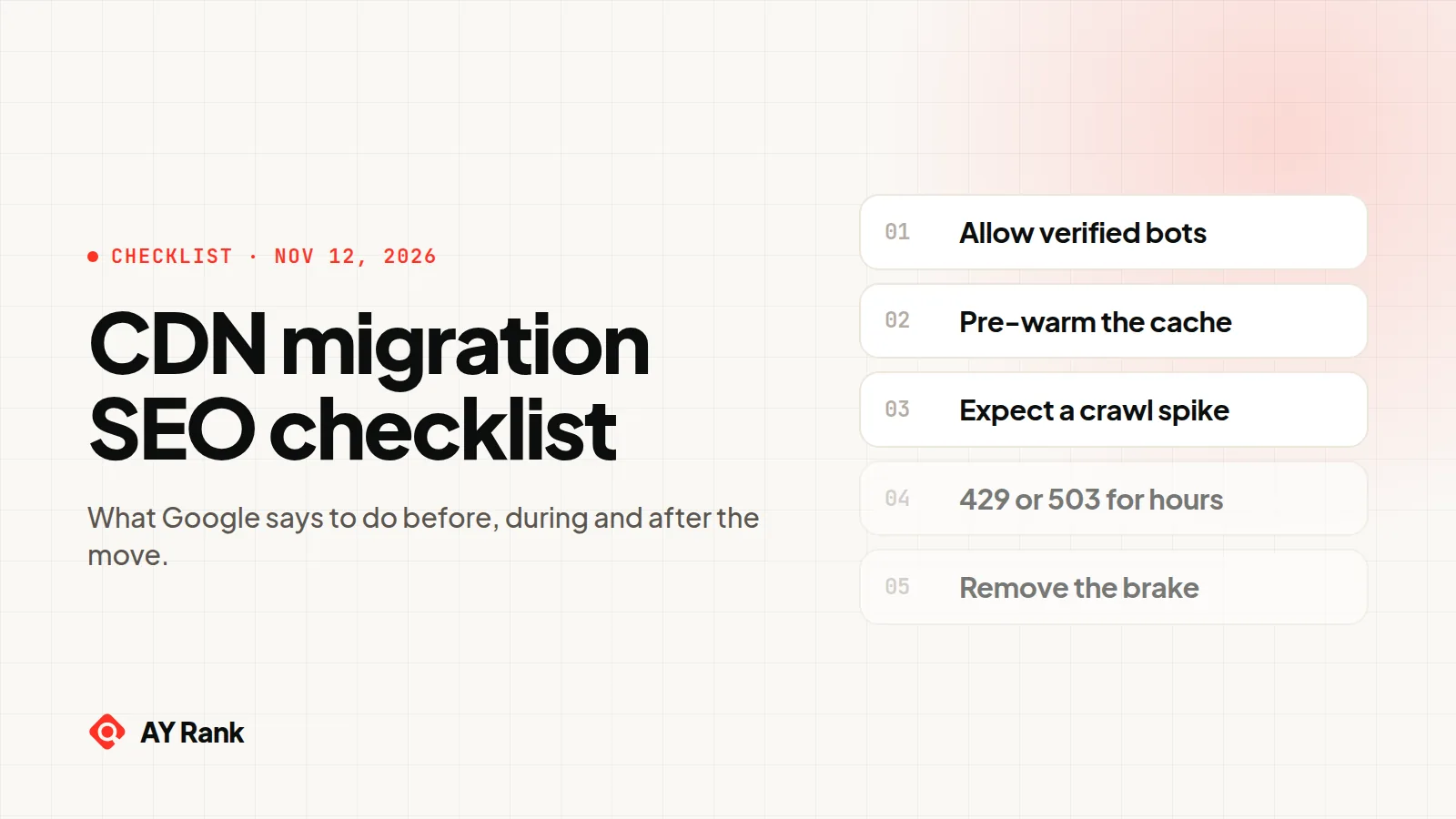
Before you switch, exempt verified crawlers from your CDN and firewall bot rules and pre-warm your most visited and most crawled URLs. During the move, expect more crawling at your origin. If the origin is under critical load, send 429 or 503 for a few hours, 1-2 days at most.
Moving your site behind a CDN can make your origin server busier at first, not quieter. Google said so on November 11, 2026 in Moving to a CDN without overwhelming your origin (or blocking Googlebot): "We sometimes hear from site owners that right after putting their site behind a CDN, crawler traffic to their server spikes almost immediately, which is exactly what they were trying to fix."
The post explains why, and names the mistake that hurts Search most: blanket bot protection that challenges Googlebot. The crawl rate doc it links warns against a second one, an emergency brake left on too long. This CDN migration SEO checklist turns both into steps for before, during and after the switch. Each Google rule below is quoted from that post or the three Google docs it links, read on November 12, 2026. Where a step is our own advice, it says so.
The one setting that can drop pages out of Search. Google says that when a CDN or WAF "intercepts them with a challenge like CAPTCHA, Google's crawlers fail the test." Left in place, "our crawlers will back off, and your pages, shopping listings, and your chicken pictures will begin to drop out of Search." Exempt verified crawlers before you turn any bot rule on.
Why does crawling spike after a CDN migration?
Two things happen at once when your DNS starts pointing at the CDN.
First, Googlebot sees a faster site. Google's crawlers set a crawl capacity limit (also called hostload) per site. When a server responds quickly and consistently, the CDN post says, "Provided there is crawl demand, the crawl capacity limit gradually goes up." The crawl budget doc says that if response times "remain stable or improve, the limit goes up, meaning more connections can be used to crawl." The CDN post puts it plainly: "The moment your DNS points to a fast CDN edge network, connection times and response times drop dramatically. To our crawling systems, it looks like your server just got a massive hardware upgrade, so our crawlers start ramping up their request rate to match."
Second, the CDN has nothing stored yet. "A brand-new CDN starts with an empty (cold) cache." The first request for any URL at an edge location is a cache miss, so the edge server fetches it from your origin. In Google's words: "Caches only shield you on the second visit."
Put those together and the load lands on the server you meant to protect. Google's summary: "the real bottleneck during a CDN launch is still the origin server."
Why do crawlers miss the cache when visitors don't?
Visitors and crawlers read different parts of your site. Google: "Human visitors usually cluster around a relatively small set of popular pages (your homepage, top articles, or active promotions) which warm up in the CDN cache quickly. Crawlers do the exact opposite. Their job is to systematically explore the breadth of your URL inventory."
So a cache that looks warm in your dashboard can still be cold for most of the URLs Googlebot asks for. The bigger your URL inventory, the longer that lasts.
There is some good news in the post too: "Crawlers don't ramp up their crawl rate immediately, and many CDNs include built-in connection pacing that helps smooth out traffic spikes." The spike is real, but it builds rather than hitting all at once.
What goes wrong in a CDN migration, and what does Google say to do?
CDN migration risks and Google's fix for each
What happens
What Google says
What you do
Cold cache sends every first crawl to the origin
"every uncached URL triggers a cache miss that passes straight through to your origin server"
Pre-warm your busiest and most crawled URLs before the switch
Faster responses raise the crawl rate
"Fast edge responses signal to Google's crawlers that it's safe to crawl faster"
Expect more origin traffic for a while, and plan for it
Blanket bot rules challenge Googlebot
"Google's crawlers fail the test" of a CAPTCHA challenge
Allow verified bots in your CDN and firewall settings
Admins panic and block all automated traffic
Blanket rules "treat all automated traffic the same, including the traffic from crawlers that you care about"
Target specific unwanted bots in robots.txt or rules
Origin is still overloaded
Return 429 or 503 "for a short window (a few hours, or 1-2 days at most)"
Use a temporary brake, with an end time
The brake stays on too long
"the URL may be dropped from Google's index"
Remove it within 1-2 days
Sources: Google Search Central Blog, Moving to a CDN without overwhelming your origin (or blocking Googlebot), November 11, 2026; Google, Reduce the Google crawl rate (last updated October 6, 2026); Google, Crawl budget. Read November 12, 2026. Quotes are Google's words.
Before the CDN switch: what should you set up?
Do these while your origin still serves everything, so nothing new is blocking Googlebot on day one.
Allow verified bots in the CDN and the WAF. Google: "If you need to block bots, allow verified bots in your CDN and firewall settings. Most major CDNs and WAFs offer a built-in toggle or managed rule to allow known / verified bots, letting your preferred crawlers bypass CAPTCHA challenges while still filtering unwanted traffic." Turn this on before any other bot rule.
Block the bots you don't want by name, not all of them. Google's words: "Or better yet, configure your robots.txt file or use rules to target specific unwanted bots rather than blocking all automated clients." After you edit robots.txt, run each crawler you care about through our robots.txt tester to see Allowed or Blocked and the line that decided it. It checks robots.txt rules only, not your firewall.
Pre-warm the cache. Google: "Before routing all traffic through the new CDN, programmatically fetch your highest-traffic, upcoming peak-traffic pages (such as promotional or seasonal launches), and most frequently crawled URLs through the CDN at a controlled pace so edge caches are ready to serve traffic." Your server logs tell you which URLs Googlebot requests most, so start there.
Write the emergency brake now, but leave it off. Our advice: if the origin struggles later, you will want a rule that returns 429 or 503 to crawlers only, with a Retry-After header and an end time. Our guide to slowing down Googlebot and AI crawlers with 429 and Retry-After has tested nginx, Cloudflare Worker and Next.js configs. This checklist does not repeat them.
Know how to tell real Googlebot from fakes. This is our advice: match the exemption to Google's crawlers by IP, not by user agent alone, since anyone can send a Googlebot user agent. A brake can key on user agent, because it errs toward slowing more traffic. An allow rule should key on IP. Google publishes its IP ranges and a reverse DNS check (see the next section).
Why the order matters. Google says crawlers stuck on challenge pages make your site look "deliberately restricted or broken." Add it before you move DNS, so no bot rule ever runs without it.
Which Google crawlers should your exemption cover?
Google splits its crawlers and fetchers into three groups, each with its own published IP lists. Check which of these groups your CDN's verified-bot setting covers before you rely on it.
Google's crawler groups and how to verify each
Group
What Google says it is
robots.txt
IP list
Reverse DNS
Common crawlers
"The common crawlers used for Google's products (such as Googlebot)"
"always respect robots.txt rules for automatic crawls"
common-crawlers.json
crawl----.googlebot.com or geo-crawl----.geo.googlebot.com
Special-case crawlers
Crawlers "that perform specific functions for Google products (such as AdsBot)"
"may or may not respect robots.txt rules"
special-crawlers.json
rate-limited-proxy----.google.com
User-triggered fetchers
"Tools and product functions where the end user triggers a fetch"
---.gae.googleusercontent.com or google-proxy----.google.com
Source: Google, Verify requests from Google crawlers and fetchers. Read November 12, 2026. Quotes are Google's words.
For a one-off check, Google's steps are a reverse DNS lookup on the IP from your logs, a check that the name ends in googlebot.com, google.com or googleusercontent.com, then a forward lookup to confirm it returns the same IP. For logs at scale, Google says to "match a crawler's IP address against the list of published Google IP addresses." Our AI crawler log checker does that matching in your browser for Googlebot and the main AI crawlers, so you can see which "Googlebot" hits are real.
During the CDN migration: what should you watch?
The first days after the DNS change are when the cache is coldest and crawling is climbing.
Expect origin traffic to rise before it falls. Google: "until your edge caches are populated (warmed up), your CDN isn't acting as a shield yet, your origin server is still doing the heavy lifting." A spike from verified Google IPs in this window is the expected effect, not an attack.
Don't reach for blanket bot protection. Google describes this exact temptation: looking at "spiking request graphs when the cache is warming up" and "turning on blanket bot protection." If you must filter, filter named bots and keep the verified-bot exemption in front.
Look for 403s and challenge pages served to Google IPs. Google's TL;DR: "Don't let blanket WAF or CAPTCHA rules block Google's crawlers with 403 walls or challenge pages." Filter your CDN or WAF logs for Google's IP ranges and any response that is not your real page.
Use the brake only if the origin is in real trouble. Google: "If crawl volume is still putting critical load on your origin while caches warm up, configure your server or CDN rate-limiting rules to return a 429 (Too Many Requests) or 503 (Service Unavailable) HTTP status code for a short window (a few hours, or 1-2 days at most)."
What does a 429 or 503 brake cost you?
More than it looks. Google's crawl rate page says the slowdown applies "across the whole hostname", including URLs that still return content. For Search, "Googlebot will discover fewer new pages, existing pages will be refreshed less frequently (for example, prices and product availability may take longer to be reflected in Search), and removed pages may stay in the index longer." For Google Ads, "your campaigns may be canceled or paused, and your ads may not serve."
The crawl budget doc adds one more detail: "the crawl capacity limit is shared across all crawlers." That suggests slowing Googlebot also slows Google's other crawlers on that host, which fits the Ads warning above.
After the CDN migration: what should you check?
Once the cache is warm, the CDN starts doing the job you bought it for. Close out the move with these checks.
Turn the brake off within 1-2 days. Google: "We don't recommend that you do this for a long period of time (meaning, longer than 1-2 days)" because "if Googlebot observes these status codes on the same URL for multiple days, the URL may be dropped from Google's index." Once the errors stop, Google says it "automatically increases the crawl rate again."
Keep the verified-bot exemption on. Our advice: treat it as a permanent setting, not a migration one. Every new bot rule you add later should sit behind it.
Re-check robots.txt as served through the CDN. Our advice, since the CDN now answers for /robots.txt too: test the live file with the robots.txt tester for Googlebot and any AI crawlers you allow.
Read your logs once more. Look for verified Google IPs that still get a 403 or a challenge page, which Google says leaves crawlers "stuck on an error page that's not useful for Search." Any 429 or 503 still firing means the brake is still on.
Let speed work for you. The crawl budget doc says the capacity limit goes up when "response times (including latency and Time-to-First Byte) remain stable or improve." A warm CDN gives you exactly that.
If your CDN migration is part of a larger technical clean-up, our technical SEO service covers crawlability, indexation and structured data.
Planning a CDN or hosting move?
We can check crawler access, firewall rules and logs with you before the switch: book a call. While you are at it, the free check reads your site, writes 3 buyer questions from it, asks an AI assistant each one and shows whether you are named. No sign-up.
It can, at first. Google says fast and stable responses raise the crawl capacity limit when there is crawl demand, and a new CDN makes response times "drop dramatically", so crawlers "start ramping up their request rate to match." Until the cache is warm, those requests still reach your origin.
Why does my origin server get more traffic after adding a CDN?
Because a new CDN starts with an empty cache. Google: "On a cold cache, the first request for every unique URL is a cache miss that goes straight to your origin server." Crawlers ask for many different URLs, so they miss the cache far more often than visitors do.
Will a CDN firewall block Googlebot?
It can, if bot rules apply to all automated traffic. Google says crawlers fail CAPTCHA challenges, and that left in place this makes crawlers back off and pages "drop out of Search." Turn on your CDN's verified-bot exemption before any other bot rule.
How do I pre-warm a CDN cache for SEO?
Fetch your most important URLs through the CDN before you route all traffic to it. Google lists "your highest-traffic, upcoming peak-traffic pages (such as promotional or seasonal launches), and most frequently crawled URLs", fetched "at a controlled pace."
Should I return 429 or 503 to Googlebot during a CDN migration?
Only if crawling puts critical load on your origin, and only for a short window. Google says "a few hours, or 1-2 days at most." The slowdown covers the whole hostname, and URLs that return these codes for multiple days may drop from Google's index. Our 429 and Retry-After guide shows how to scope it to crawlers.
How do I check that a request is really from Googlebot?
Run a reverse DNS lookup on the IP, check the name ends in googlebot.com, google.com or googleusercontent.com, then run a forward lookup and confirm it returns the same IP. For large logs, Google says to match IPs against its published lists, such as common-crawlers.json.
Is a CDN migration the same as a site move for Google?
Not if your URLs stay the same. A CDN changes the servers in front of your URLs, not the URLs. A site move changes URLs, and Google's crawl budget doc says site moves "may trigger an increase in crawl demand in order to reprocess the content under the new URLs." If your URLs change too, plan that as a separate job.