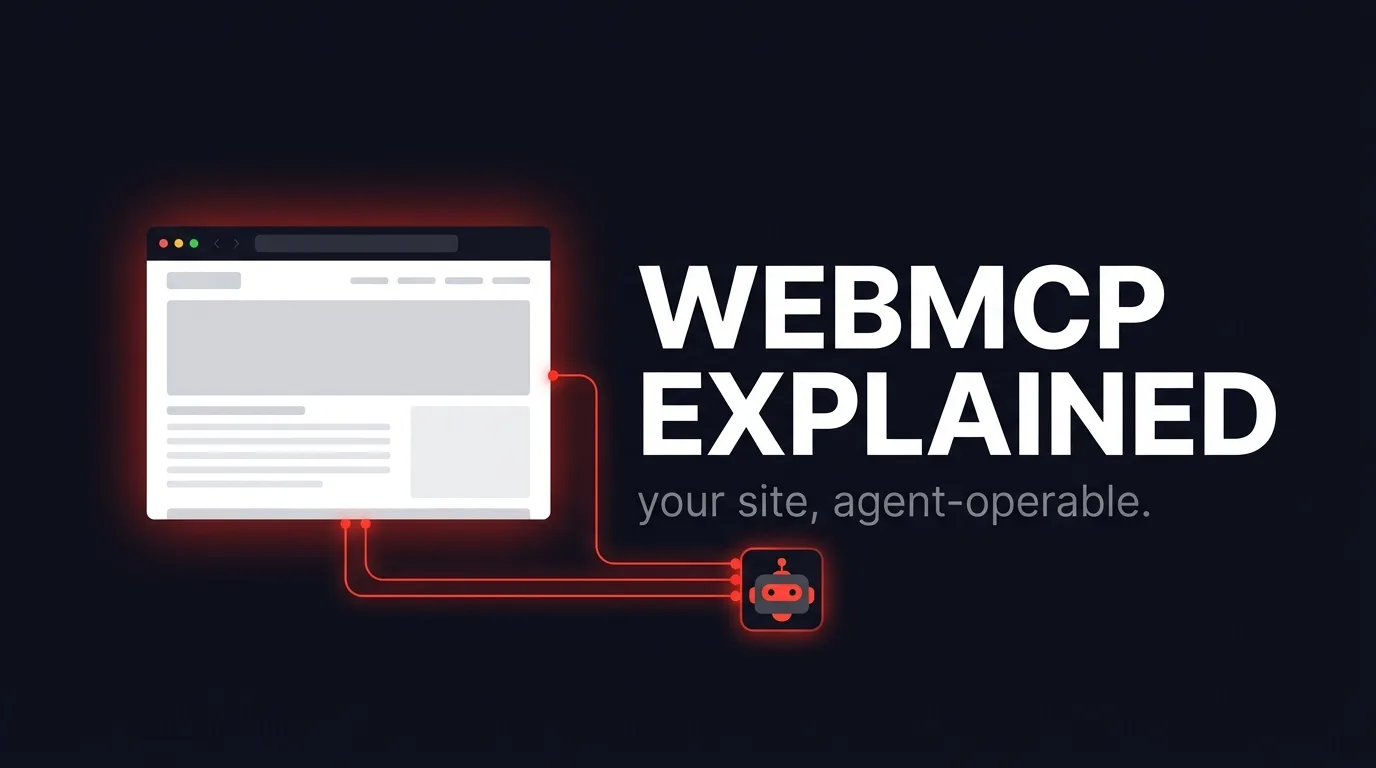
WebMCP is a browser API, navigator.modelContext, that lets a webpage register typed tools an AI agent can call directly instead of scraping the rendered HTML. It's a Draft W3C Community Group Report, not a ratified standard, and today it only runs in Chrome 146+ behind a testing flag. We added it to ayrank.com anyway, because a GEO agency that tells clients to make their sites agent-operable should be able to point at its own code, not a slide.
This post covers what WebMCP actually does, why it's a different category of work from schema markup or llms.txt, and the three tools we shipped: searchServices, getServiceInfo, and submitAuditRequest.
What is WebMCP?
WebMCP is a browser API that lets a webpage expose a set of callable tools to an AI agent running in that browser, instead of forcing the agent to parse HTML and guess at what a button does. A page calls navigator.modelContext.registerTool() with a name, a description, a JSON Schema for the input, and an execute function. The browser (today: Chrome, behind a flag) makes that tool available to whatever agent is operating the page.
The name is a deliberate signal. WebMCP mirrors Anthropic's Model Context Protocol on purpose, MCP's execute return shape (a content array of typed blocks, an optional isError flag) is what a WebMCP tool returns too. It's built to bridge browser-side, page-registered tools into the same MCP ecosystem that already connects agents to servers and files. The spec lives at the WebMachineLearning WebMCP repo as a Community Group Report, which is standards-track language for "not yet a W3C Recommendation, implementers are trying it out."
chrome://flags/#enable-webmcp-for-testing in Chrome 146+ and nowhere else. Treat everything below as an early, working implementation, not a settled best practice.
Why does this matter for AI search visibility?
Scraping is lossy. An agent that reads your rendered HTML has to infer structure, match text to intent, and guess which form field does what, the same problem a screen reader has, except the agent also has to reverse-engineer your JavaScript. A WebMCP tool skips that step entirely: the page tells the agent exactly what it can do, with a typed schema for the input and a real function behind it.
That's a different layer of GEO work than the site-level optimisation we already do (FAQ schema, Organization entity data, llms.txt), the same layer covered by our AI SEO services. Schema markup helps an AI engine understand a page well enough to cite it in an answer. WebMCP goes further: it lets an agent act on the page on a user's behalf, searching a catalog, pulling a spec sheet, or submitting a form, without scraping a single element.
Every one of those assistants is being built toward "do this for me" agentic browsing, not just "summarize this page." Sites that stay scrape-only put every agent through the same brittle guesswork. Sites with WebMCP tools give agents a contract to call instead.
How is WebMCP different from robots.txt and llms.txt?
Robots.txt tells a crawler what it's allowed to fetch. Llms.txt tells a crawler what pages exist and roughly what they're for. Both are read-only maps for something else to interpret. WebMCP is not a map, it's an interface: the tool's execute function runs real code and returns a real result, the same way an MCP server tool would.
| Layer | What it does | Who reads it |
|---|---|---|
| robots.txt | Allows or blocks crawler access to URLs | Search and AI crawlers |
| llms.txt | Lists key pages with one-line descriptions | AI crawlers building a site map |
| FAQPage / Article schema | Marks up content so it can be extracted and cited | AI answer engines, rich results |
| WebMCP tools | Exposes typed, callable functions with real execute logic | AI agents operating the page live, in-browser |
They're not competitors, we ship all four. WebMCP is additive: it's the only one of the four that lets an agent do something, not just read something. If your structured data and technical SEO foundation isn't in place yet, that's the bigger-impact fix before a WebMCP pilot, most agents still rely on schema and crawlable HTML far more than on a flagged browser API.
How did we build it into our own site?
We added three tools, mounted once in the root layout next to our exit-intent popup, so the code runs on every page:
searchServices. Matches our service pages (SaaS SEO, GEO optimization, technical SEO, and so on) against a service, city, and optional industry, and returns the URL, the resolved names, and whether that page is actually search-indexable. We have some long-tail city pages that render real content but carryrobots: noindex,follow; the tool reports that honestly instead of hiding it, so an agent relaying results to a user doesn't imply every match is equally search-promoted.getServiceInfo. Takes a slug likesaas-seo-dublin(or a bare service slug likesaas-seo) and returns the title, description, FAQs, and our real published pricing tiers, pulled from the samePLANSarray that renders our actual pricing section. No separate "AI-facing" numbers that could drift from what a human sees on the page.submitAuditRequest. Lets an agent submit a free AI visibility audit request on a user's behalf, after the user has explicitly confirmed. This is the one tool that writes, not reads, so it's markedreadOnlyHint: falsein its annotations. It posts to the exact same/api/leadendpoint our human contact form uses, with the same field names, which means it runs through the same validation, honeypot, and rate-limit checks server-side. WebMCP never gets a shortcut around the checks that protect the real form.
Here's the feature-detection gate that wraps all three, straight from src/components/WebMcpProvider.tsx:
useEffect(() => {
  if (typeof navigator === "undefined" || !("modelContext" in navigator)) return;
  const modelContext = navigator.modelContext;
  if (!modelContext) return;
  // ...register tools
}, []);
navigator.modelContext, which today is nearly all of them, this component does nothing and renders nothing. It's a progressive enhancement, not a dependency. Nothing about the site breaks, degrades, or even changes for a visitor without WebMCP support.
We also had to write our own TypeScript ambient types (src/types/webmcp.d.ts). WebMCP isn't in lib.dom.d.ts yet, so navigator.modelContext doesn't exist as far as the compiler is concerned unless you declare it yourself, best-effort, from the current draft spec, with a comment noting the shapes may shift before the API stabilizes.
What are the real limitations right now?
Be honest about where this stands. WebMCP is Chrome-only, flagged, and not something the average visitor will ever trigger today. There's no guarantee the API surface won't change before (or if) it's ratified, which is why we isolated the pure matching logic (src/lib/webmcp-tools.ts) from the DOM-dependent registration code (WebMcpProvider.tsx): if the API shape changes, we rewrite one small client file, not our data logic.
- Agents get a typed contract instead of guessing at scraped HTML
- Write actions (like our audit-request tool) reuse the exact server-side validation the human form already has
- Feature detection means zero downside for the 99%+ of visitors without support today
- Early adoption is cheap to build and cheap to remove if the spec changes direction
- No browser ships it by default yet, so real-world usage is close to zero
- The spec can still change shape before ratification
- No official TypeScript types exist, teams have to hand-roll ambient declarations
- Almost no tooling or documentation outside the spec repo itself
For more on how AI engines decide what to cite in the first place, see our full GEO optimization breakdown.
Should you add WebMCP to your site now?
If your engineering time is scarce, put it behind schema markup, FAQ structure, and llms.txt, those pay off across every AI engine today, not one flagged browser. But if you already have that foundation and want to be early on the layer that comes next, WebMCP is worth a narrow, feature-detected pilot: one or two read-only tools that expose data you already have, gated the same way we gated ours. It costs nothing for the visitors who can't use it yet, and it's a real, working answer the next time someone asks whether your site is ready for agents to act on it directly, not just read it.
WebMCP lets a page register callable tools for AI agents instead of relying on them to scrape HTML. It's an early, Chrome-flagged, Draft W3C Community Group Report, not a finished standard, but a feature-detected pilot costs nothing for visitors who can't use it and puts you ahead of the sites that will still be scrape-only when it ships broadly.
Frequently asked questions
What is WebMCP?
WebMCP is a browser API, navigator.modelContext, that lets a webpage register typed tools an AI agent can call directly, instead of the agent having to scrape and interpret the page's HTML.
Is WebMCP a ratified web standard?
No. It's a Draft W3C Community Group Report from the WebMachineLearning group, an early-stage proposal implementers are testing, not a finished specification.
Which browsers support WebMCP today?
Only Chrome 146+, and only behind the chrome://flags/#enable-webmcp-for-testing flag. No browser ships it enabled by default as of this writing.
How is WebMCP different from robots.txt or llms.txt?
Robots.txt and llms.txt are read-only maps that tell a crawler what exists and what it can fetch. WebMCP tools run real, callable code, so an agent can act (search, fetch details, submit a request) rather than just read.
Does adding a WebMCP tool that submits data put my site at risk?
Not if you build it correctly. Our submitAuditRequest tool posts to the exact same /api/lead endpoint and payload shape our human contact form uses, so it runs through the same server-side validation, honeypot, and rate-limit checks. WebMCP should never bypass the checks a normal form submission has to pass.
How is WebMCP related to the Model Context Protocol (MCP)?
WebMCP borrows MCP's tool result shape on purpose, a content array with an optional isError flag, so a page-registered browser tool and a server-based MCP tool return data the same way. The name signals that bridge directly.
What happens on a browser that doesn't support WebMCP?
Nothing. Our implementation feature-detects navigator.modelContext before doing anything, and in every browser without it, the component renders nothing and runs no code. It's a progressive enhancement, not a dependency.
Should every site add WebMCP right now?
Not urgently. Prioritize FAQ schema, entity data, and llms.txt first, they help across every AI engine today. Add WebMCP as a narrow, feature-detected pilot once that foundation is in place, our GEO optimization services cover exactly that sequencing.
Sources: WebMachineLearning WebMCP repository, ayrank.com pull request #105, AY Rank engineering (src/components/WebMcpProvider.tsx, src/lib/webmcp-tools.ts, src/types/webmcp.d.ts)

Oussama leads technical and on-page SEO at AY Rank. He specializes in structured data engineering, crawl optimization, and building the entity architecture that makes AI models cite our clients.
Full Bio →